Agency work in 2026 has a familiar contradiction: clients expect premium creative at “internet speed,” but budgets and timelines still behave like it’s 2016. You’re asked to deliver multiple directions, multiple aspect ratios, and multiple iterations—often before the brand team has even agreed on what “on-brand” means.
In that environment, the real constraint is not imagination. It’s coordination: how quickly you can produce believable options, converge on a direction, and keep client feedback from turning into endless churn. After trying a handful of separate tools and model subscriptions, I found that the most sustainable approach is a single workflow that lets you generate premium images and premium videos across top models—without forcing your team to jump between platforms. That is the context where MakeShot AI has been genuinely useful in my own hands: not as a replacement for agency craft, but as an iteration layer that makes option-building and refinement far less painful.
The Agency Angle: Reduce Churn, Increase “Decision Velocity”
A strong agency process is built around decision-making:
- show credible options
- gather aligned feedback
- refine with intention
- ship the final assets in the right formats
The problem with many AI tools is that they increase output but not *alignment*. You can generate 50 clips and still not have one that a client can confidently approve. What you want is a system that increases “decision velocity”—how quickly you can move from exploration to approval.
A multi-model platform can help because different models often produce different strengths from the same brief. The value is not “more generations.” The value is “better options earlier,” so clients can choose a direction before you waste time polishing the wrong one.
A New Framework: The Agency Production Triangle
To avoid generic “tool review” structure, here is the mental model I use for agency deliverables. Every client project balances three forces:
1) Brand Consistency
Your client cares about recognizable identity: tone, style, character continuity, product accuracy.
2) Creative Differentiation
Your client also wants to stand out: new angles, visual novelty, memorable motion.
3) Delivery Throughput
Meanwhile you have to ship: cutdowns, variations, multiple platforms, weekly updates.
Most tools do one corner well. Agency-friendly platforms help you balance all three without collapsing your workflow.
Where the Three Models Fit in Agency Work
Instead of treating models as “better vs worse,” treat them as different production roles.
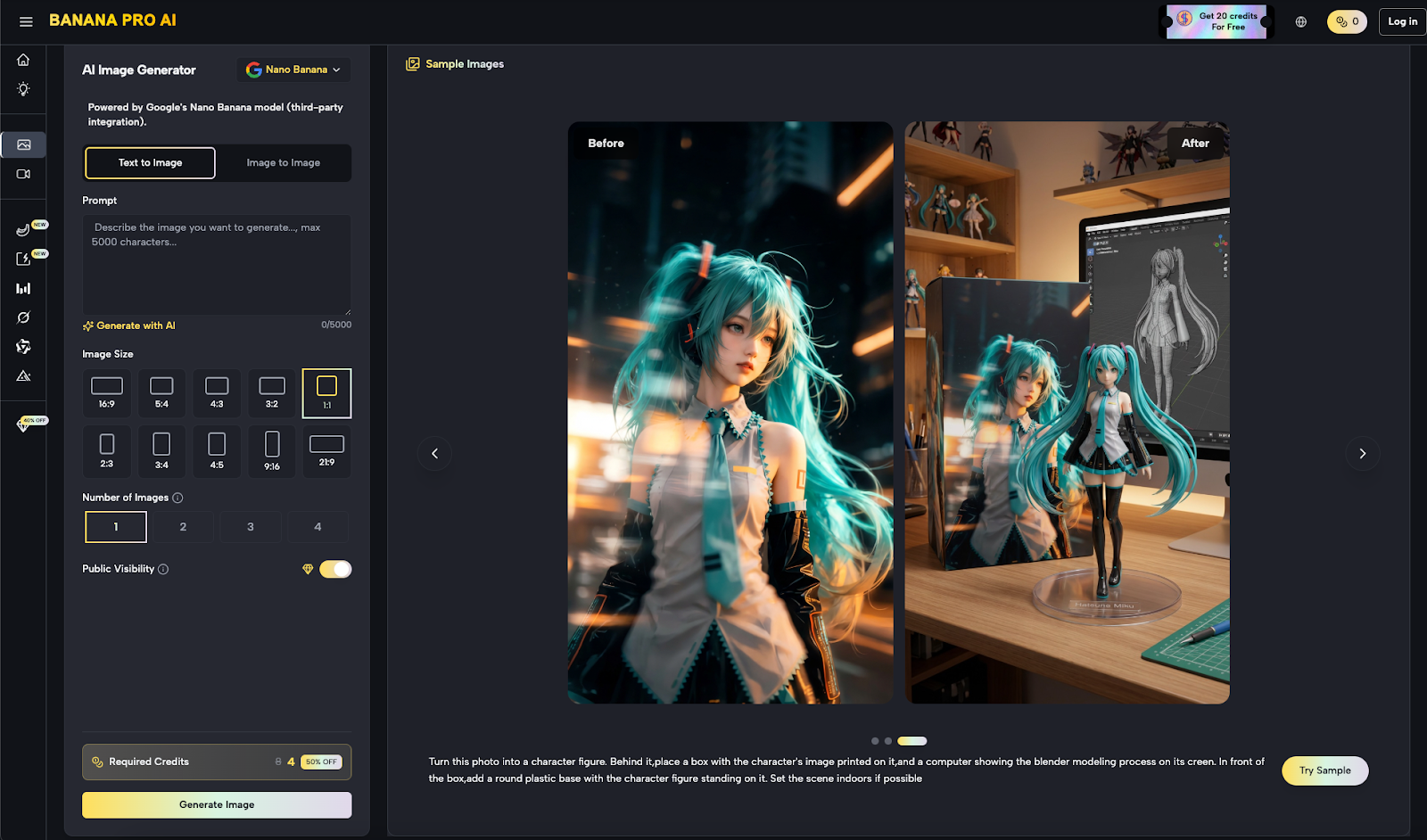
Nano Banana Pro: The Art Director’s Rapid Key Visual Engine
This role is about:
- key frames
- thumbnails
- concept boards
- campaign “poster” visuals
In practice, a strong key visual is a shortcut to alignment. When I show a client three distinct key art directions first, the rest of the project becomes easier because everyone is reacting to something concrete.

Veo 3.1: The Commercial Production Lane
This role is about:
- clean motion
- product readability
- stable composition
- “it looks like an ad” polish
I reach for this lane when the client is performance-driven or product-led and needs clarity over mood.
Sora 2: The Narrative / Cinematic Lane
This role is about:
- atmosphere
- cinematic pacing
- emotional storytelling
- creative brand films and top-of-funnel content
I use this lane when the brief demands “more feeling,” or when the brand wants something less literal and more memorable.
The reason a platform like MakeShot AI can matter to agencies is that it can keep these roles within a single operating environment, which reduces context switching across your team.
The Option-Pack Method: How Agencies Actually Win Client Approval
When clients say “we want options,” they rarely mean 20 random outputs. They mean a structured set of choices.
What I ship first (before polishing)
I like to deliver an “Option Pack” early:
- 3 key visuals (distinct moods or compositions)
- 2 short motion prototypes (commercial vs cinematic)
- 1 recommended direction with a short rationale
This is where unlimited generation is genuinely useful: you can explore responsibly without rationing creativity, then curate what the client sees.
Comparison Table: What Agencies Need vs What Tools Usually Offer
| Agency Requirement | Multi-Model Platform (MakeShot-Style) | Single-Model Subscription | Traditional Production Only | Marketplace / Contractor Model |
| Present multiple credible directions fast | Strong: parallel approaches | Medium: one aesthetic | Strong but slow | Medium: depends on vendor |
| Reduce revision loops | Strong if options are curated | Weak if it locks style | Medium: revisions are costly | Medium: revisions fragment |
| Handle multi-format output | Strong when workflow is centralized | Medium | Strong but expensive | Medium |
| Team enablement | Strong: shared workflow | Medium: multiple tools needed | Strong but resource-heavy | Weak: coordination overhead |
| Best fit | Agencies with weekly creative sprints | Brands with one fixed style | High-budget campaigns | One-off deliverables |
How to Use Unlimited Without Creating “AI Noise”
Agencies can accidentally hurt themselves with unlimited. You can generate so much that nobody knows what to pick. The cure is a tighter process.
1) Define the brief like a production note
Before generating, lock:
- target audience
- offer / message
- brand tone
- must-have visual elements
- “no-go” elements (avoid text artifacts, avoid wrong logos, avoid chaotic backgrounds)
2) Generate in rounds, not in chaos
I use three rounds:
- Round A (exploration): broader mood and composition
- Round B (selection): pick 1–2 directions
- Round C (refinement): tighten camera language, pacing, brand consistency
3) Enforce the “one-variable” rule
If you change everything every time, you learn nothing. Change one variable:
- lighting
- lens
- camera movement
- background complexity
- motion pacing
This is how you turn generation into controllable production.
Limitations to Be Honest About (So Clients Trust the Process)
If you present AI as effortless, clients will expect perfection. A more professional stance is to treat AI like pre-visualization plus rapid production.
1) Consistency can drift
Across shots, details can shift. Agency teams should anticipate this and plan for extra refinement passes.
2) Some results will still be “close but not right”
You will occasionally need multiple generations to hit:
- exact product angles
- exact brand cues
- exact subject behavior
3) Human taste is still the differentiator
AI can generate options, but agencies win by:
- choosing the best direction
- tightening the story
- ensuring the result matches the brand and the objective
Closing: Why This Is a Strong 2026 Workflow for Agencies
For agencies, the best platform is the one that helps you move faster *without lowering standards*. An unlimited, multi-model workflow that includes Nano Banana Pro, Veo 3.1, and Sora 2 can be genuinely practical because it supports the thing agencies do every day: generate credible options, get alignment, and refine with intention.
Used well, MakeShot AI is less about replacing agency craft and more about compressing the early stages of production—so your team spends less time fighting tool fragmentation and more time delivering creative that clients can confidently approve.